AutoCoder.cc output
Optimized for a connected business application and direct managed publishing. Specialized architecture, edge cases, and tests still require review.
AutoCoder.cc is an autonomous AI coding agent for turning product requirements into runnable full-stack applications. Replit is a broader cloud software platform combining Agent, Design, database, authentication, integrations, collaborative workspaces, and multiple publishing options.
Choose AutoCoder.cc when you want a guided path from requirements to a managed, publishable app. Choose Replit when you want Agent plus a cloud coding workspace, design tools, collaboration, databases, integrations, and infrastructure choices in one larger ecosystem.
This page compares AutoCoder.cc with the overall Replit platform. A separate Replit Agent page focuses specifically on agent behavior, testing, and effort-based AI billing.
| Feature | AutoCoder.cc | Replit |
|---|---|---|
| Core product | Autonomous AI coding agent and managed full-stack application platform | Cloud software creation platform with Agent, Design, database, integrations, workspaces, and publishing |
| Primary starting point | Product prompt converted into a structured Requirement List | Agent prompt, Design Canvas, existing Replit project, imported repository, or cloud workspace |
| Target users | Founders, PMs, operators, indie developers, and lean product teams | Founders, developers, designers, operations teams, learners, and larger organizations |
| Application generation | Connected frontend, backend, database behavior, authentication, and preview | Agent builds and refines applications, supported by Replit database, auth, integrations, and cloud services |
| Development environment | Browser-based managed product workflow | Cloud workspace with files, shell, preview, collaboration, design tools, and deployment controls |
| Database and auth | Managed inside the generated AutoCoder project | Built-in Replit Database and User Auth, with production usage billed through cloud credits |
| Integrations | Hosting, domains, backend dashboard, Google sign-in, and source export | Connectors, packages, Stripe, OpenAI, databases, authentication, and broader cloud integrations |
| Deployment | Built-in publishing, subdomains, custom domains, and republishing | Static, Autoscale, Reserved VM, Scheduled, and other publishing options with usage-based costs |
| Source and repositories | Paid plans provide a ZIP export; one-click GitHub sync is under development | Direct code workspace and repository workflows inside Replit |
| Cost model | Fixed monthly plans with defined generation credits | Subscription credits plus effort-based Agent usage and usage-based cloud infrastructure |
| Best fit | New business applications where a mixed team wants a focused managed launch workflow | Teams that want AI creation, coding, collaboration, and cloud infrastructure in one broad platform |
| Poor fit | Existing complex repositories or specialized infrastructure | Teams seeking a narrowly guided workflow with minimal choices about runtime, deployment, and usage billing |
Start from a full-stack product brief, then refine the interface, workflows, data, roles, and launch experience. Preview images are intentionally marked for production replacement.
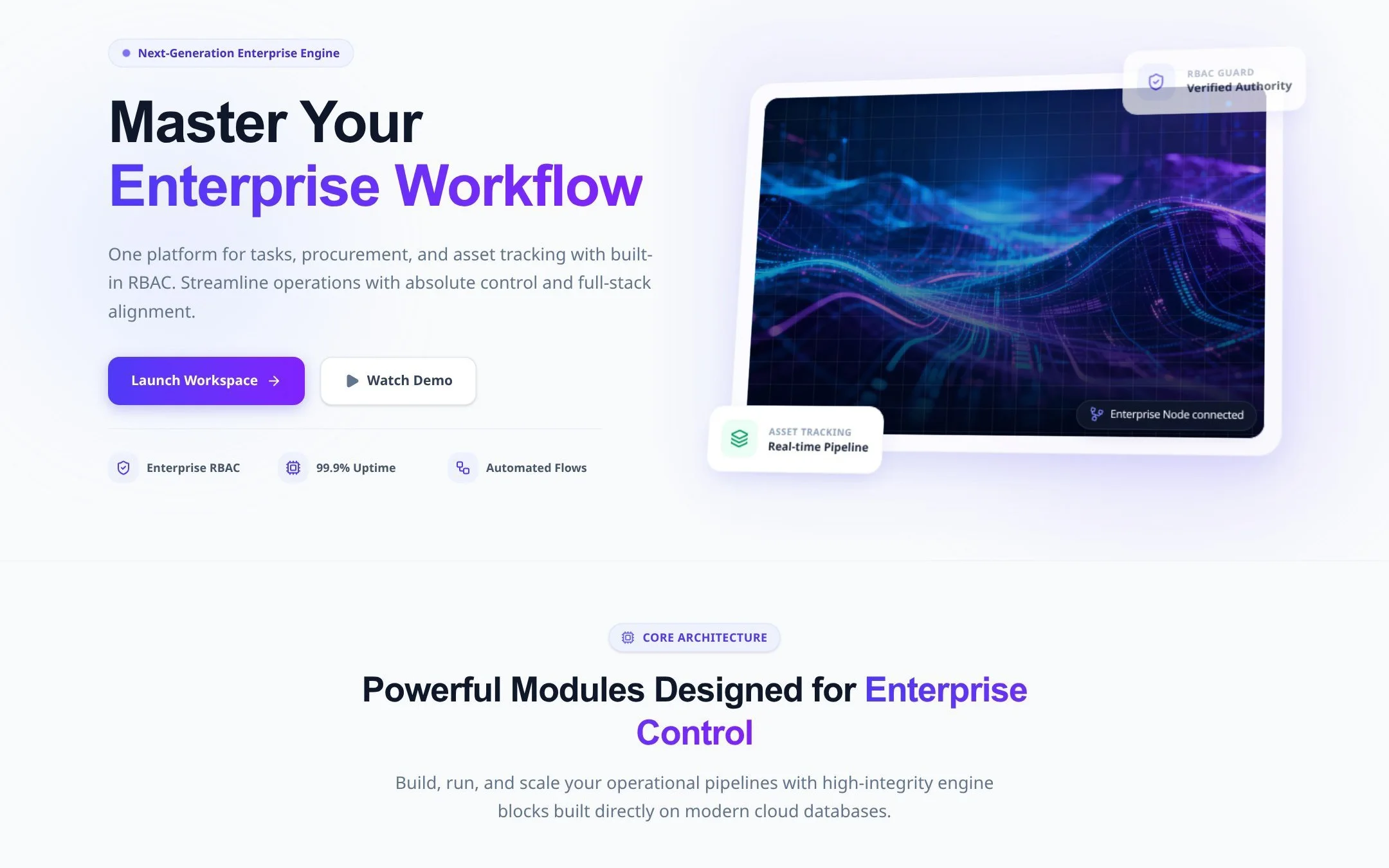
A production application for users, records, approvals, notifications, and management reporting.
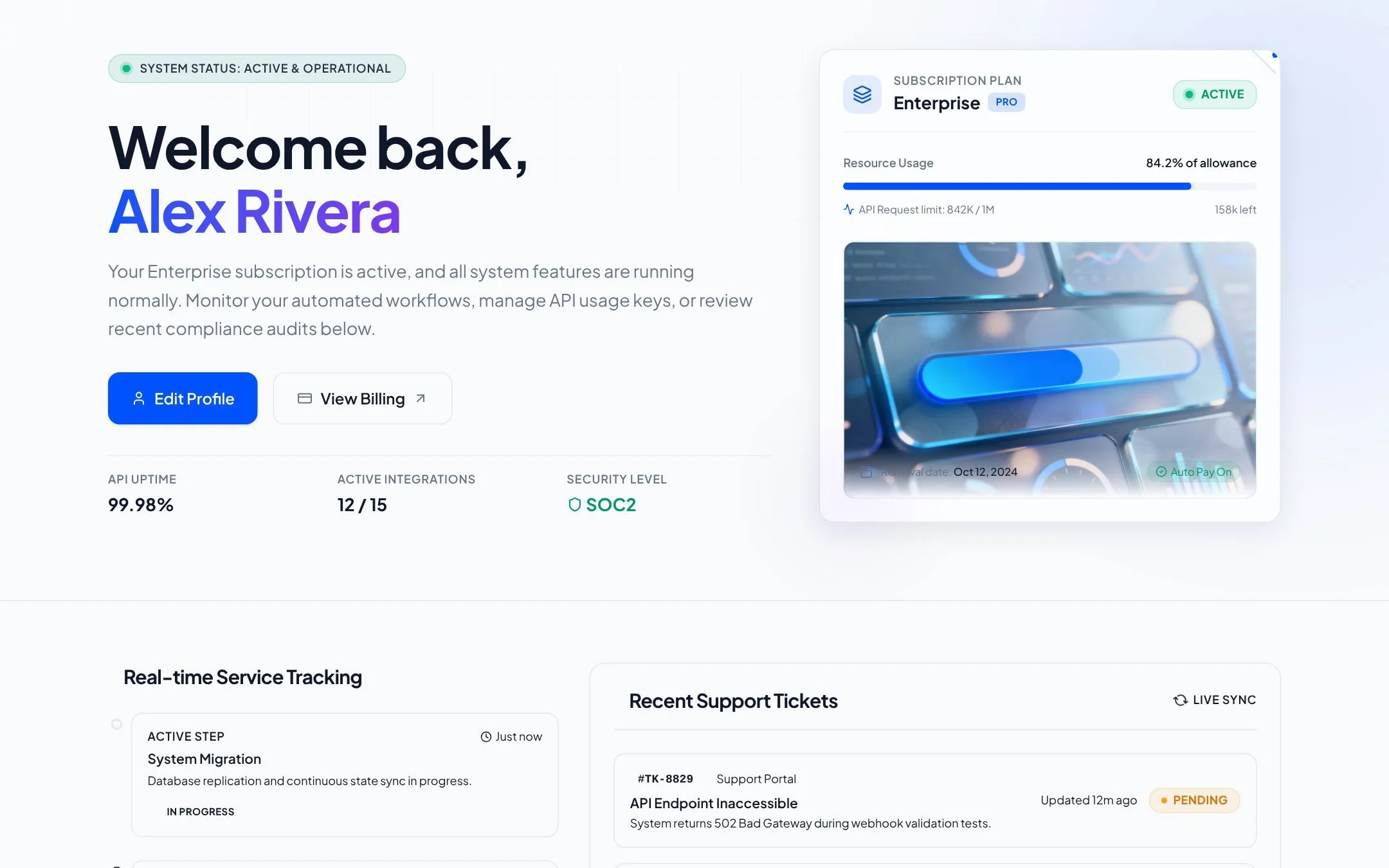
A customer-facing product with plans, billing, account management, and support workflows.
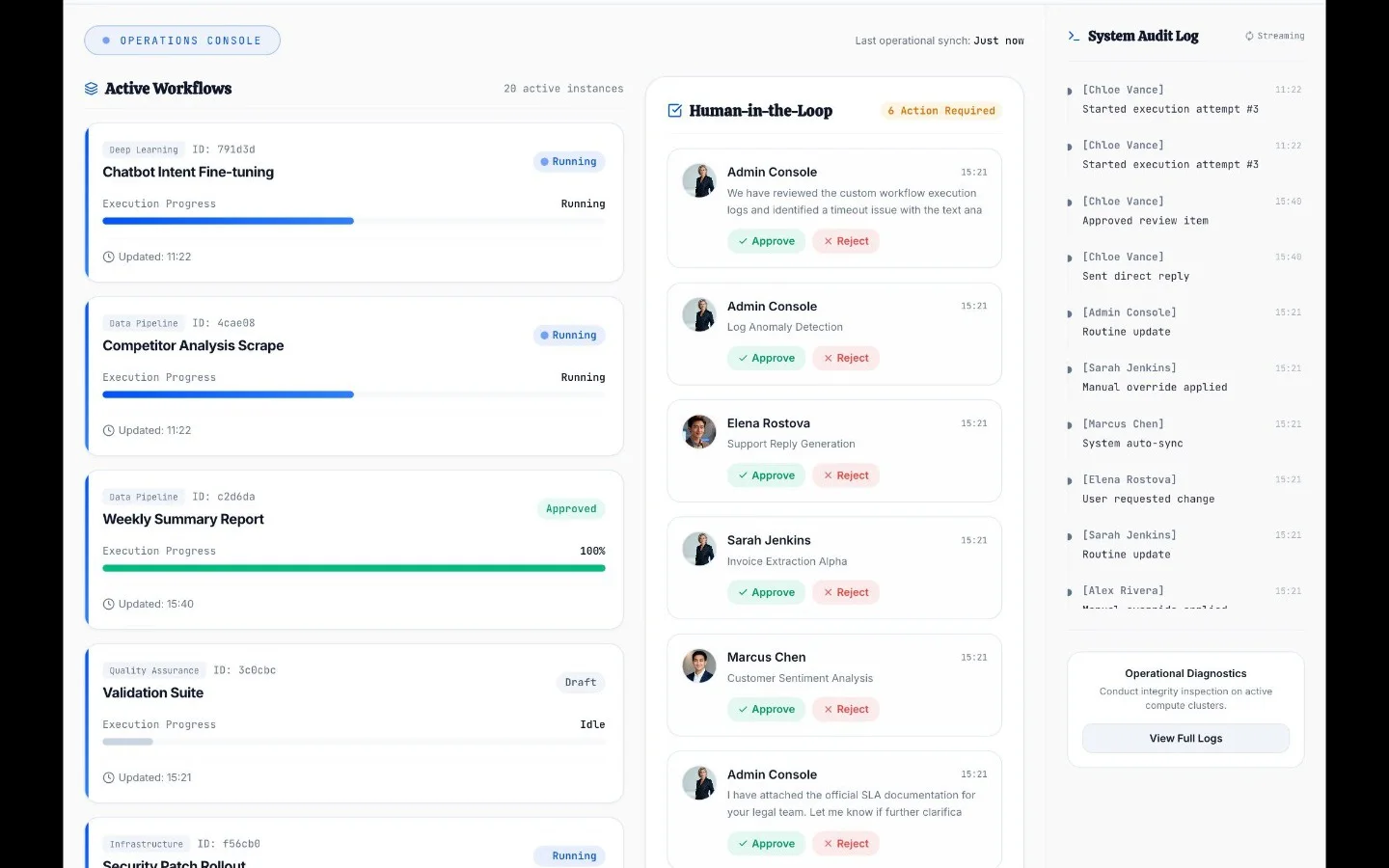
A full-stack AI product with saved jobs, usage history, permissions, and result review.
AutoCoder creates a Requirement List before generation, keeping product scope visible before implementation begins.
The workflow keeps infrastructure, preview, iteration, and publishing inside a narrower managed application path.
Founders, PMs, operators, and developers can review requirements and the product without starting from a cloud IDE.
Paid plans provide a downloadable full-stack ZIP package for teams that need a portable deliverable.
Prices and availability are time-sensitive. The values below were checked against official product documentation on August 5, 2026; taxes, usage limits, enterprise terms, and future changes are not included.
| Area | AutoCoder.cc | Replit |
|---|---|---|
| Free access | $0 with 10 credits; source export is not included | Starter is free with daily Agent credits, built-in database, and one published project |
| Individual paid plans | Standard: $25/month; Pro: $60/month | Core: $25 monthly or $20/month annually; Pro: $100 monthly or $95/month annually |
| Included credits | Standard includes 45 generation credits; Pro includes 180 | Core includes $25 monthly credits; Pro includes $100 monthly credits |
| Collaboration | Focused individual and startup workflow | Core includes up to 5 collaborators and 2 parallel agents; Pro includes 15 collaborators and 10 parallel agents |
| Programming model | Managed generated stack with no exhaustive language matrix | Cloud code workspace; practical language support depends on runtime, packages, project, and Agent support |
| Integrations and delivery | Hosting, domains, backend dashboard, Google sign-in, and ZIP export | Database, Auth, connectors, packages, integrations, and multiple publishing types |
AutoCoder.cc automates a focused managed path from requirement to published application. Replit combines agentic building with a cloud development environment, infrastructure services, collaboration, and multiple deployment models.
| Workflow stage | AutoCoder.cc | Replit |
|---|---|---|
| Requirement handling | Creates a structured Requirement List before generation | Uses Agent prompts, Plan Mode on paid plans, Design Canvas, project context, and workspace files |
| Initial implementation | Generates connected frontend, backend, data, authentication, and preview | Agent builds applications inside a Replit workspace with database, auth, integrations, and runtime access |
| Iteration | Supports chat changes, visual editing, and version history | Supports Agent chat, files, shell, visual editing, checkpoints, collaboration, and parallel agents |
| Verification | Users should review behavior; universal automated test coverage is not documented | Agent documents browser testing and fixes, but production behavior and security still require project review |
| Delivery | Publishes in-platform and supports paid ZIP export | Publishes through static, Autoscale, Reserved VM, Scheduled, and other Replit deployment workflows |
Optimized for a connected business application and direct managed publishing. Specialized architecture, edge cases, and tests still require review.
Optimized for software built inside a broad cloud workspace. Quality depends on prompts, project context, Agent mode, runtime, tests, integrations, and infrastructure configuration.
AutoCoder.cc offers less runtime and repository control. Replit offers a much broader platform, but teams must understand effort-based Agent billing, cloud resource usage, deployment types, and production configuration.
This is an official-documentation capability check, not a vendor-sponsored score or an independently executed benchmark.
| Test question | AutoCoder.cc result | Replit result | Evidence status |
|---|---|---|---|
| Generate a working full-stack app | Verified: full-stack generation, auth, database, preview, and publishing are documented | Verified: Agent, Database, Auth, integrations, and publishing are documented | Official capability check |
| Work directly with files and runtime | Limited within a managed product workflow | Verified through the Replit cloud development workspace | Official capability check |
| Use built-in database and authentication | Verified within the managed generated project | Verified through Replit Database and User Auth | Official capability check |
| Publish from the same platform | Verified through built-in publishing | Verified through multiple Replit publishing models | Official capability check |
| Compare speed, total cost, and output quality | Not independently tested | Not independently tested | Hands-on benchmark required |
Status: Not independently run. Before publishing measured performance claims, run both tools with the same prompt, acceptance criteria, starting state, plan, and review checklist.
Feature, pricing, and availability claims link to official vendor documentation. Readers should recheck time-sensitive details before purchasing.
Full-stack generation, authentication, database, deployment, and source export.
Requirement List, generation, iteration, visual editing, version history, and publishing.
Free, Standard, and Pro prices, credits, and source export availability.
Source export and current GitHub synchronization status.
Starter, Core, Pro, and Enterprise plans, monthly credits, collaboration, and parallel agents.
Application generation, database, authentication, integrations, testing, iteration, and launch.
Effort-based Agent pricing, plan features, checkpoints, credits, and spending controls.
Static, Autoscale, Reserved VM, Scheduled deployments, and usage-based publishing costs.
AutoCoder.cc is a focused requirement-to-application platform. Replit is a broader cloud development platform combining Agent, Design, database, authentication, collaboration, code workspaces, and multiple publishing options.
No. This page compares the overall Replit platform. The Replit Agent page focuses specifically on the AI agent workflow, testing behavior, parallel work, and effort-based AI billing.
Yes. Both document full-stack application creation, databases, authentication, iteration, and publishing. They differ in platform breadth and how much infrastructure and code control remain visible.
AutoCoder.cc uses fixed monthly generation-credit plans. Replit combines Starter, Core, Pro, and Enterprise subscriptions with Agent effort-based billing and usage-based publishing, database, storage, and network costs.
Replit has the clearer fit because its platform includes files, shell access, preview, collaboration, packages, runtime, and deployment controls.
AutoCoder.cc is more narrowly designed around product requirements and a managed app workflow. Replit supports those users too, but exposes a broader development and infrastructure platform.
Capabilities and current pricing were checked against official documentation on August 5, 2026. No controlled hands-on benchmark has been run, so the page does not claim a speed, cost, or output-quality winner.
Generate connected frontend and backend behavior, data, roles, admin workflows, and a publishing path in AutoCoder.cc.