AutoCoder.cc output
Optimized for application completeness and a short path to preview and publishing. Review remains necessary for edge cases, security, tests, and requirements outside the managed platform.
Cursor is an AI code editor for understanding, changing, and validating software inside a codebase. AutoCoder.cc is an autonomous AI coding agent for full-stack application development, helping users move from requirements to a runnable app, then debug, iterate, and deploy it.
Choose AutoCoder.cc when the main outcome is a new, shareable full-stack application and you want the platform to manage more of the stack. Choose Cursor when developers need an AI-native editor for an existing repository, custom toolchain, or ongoing engineering work.
Both products use agents to create and modify software. The practical difference is whether the workflow is centered on delivering a managed application or working directly inside a developer-controlled codebase.
| Feature | AutoCoder.cc | Cursor |
|---|---|---|
| Core product | Autonomous AI coding agent and end-to-end full-stack application platform | AI code editor with local and cloud agents |
| Primary starting point | A product idea, prompt, or structured requirement list | A repository, codebase, issue, or engineering task |
| Target users | Founders, PMs, operators, indie developers, and lean product teams | Software developers, engineering teams, and technical organizations |
| Best-fit work | New SaaS apps, portals, dashboards, internal tools, and marketplaces | Feature work, refactoring, debugging, testing, review, and repository maintenance |
| Frontend and UI | Generated as part of a connected full-stack application, with chat and visual iteration | Generated or edited in the repository and framework selected by the developer |
| Backend and database | Generated and managed as part of the application workflow | Implemented using the repository's architecture, services, packages, and infrastructure |
| Testing and debugging | Iterative modification and version history are documented; universal automated test coverage is not | Agent can create tests, run commands, inspect errors, and fix failures when the environment supports them |
| Deployment | Built-in publishing, hosted subdomains, custom domains, and republishing | Uses the project's deployment stack, terminal commands, cloud agents, or connected services |
| Source and Git | Paid plans include ZIP source export; one-click GitHub sync is under development | Works directly with repositories, branches, Git, pull requests, and developer tooling |
| Programming languages | No exhaustive public language matrix; the platform manages the generated stack | Practical language support follows the repository, editor ecosystem, language services, and installed tools |
| Integrations | Hosting, domains, backend dashboard, Google sign-in, and source export | MCP, extensions, terminal, Git, GitHub, GitLab, Vercel, Sentry, Stripe, and other tools |
| Setup and control | Lower setup burden with more platform-managed choices | Greater environment control with more developer setup and review responsibility |
Start from a full-stack product brief, then refine the interface, workflows, data, roles, and launch experience. Preview images are intentionally marked for production replacement.

A greenfield application with onboarding, subscriptions, team permissions, and product analytics.
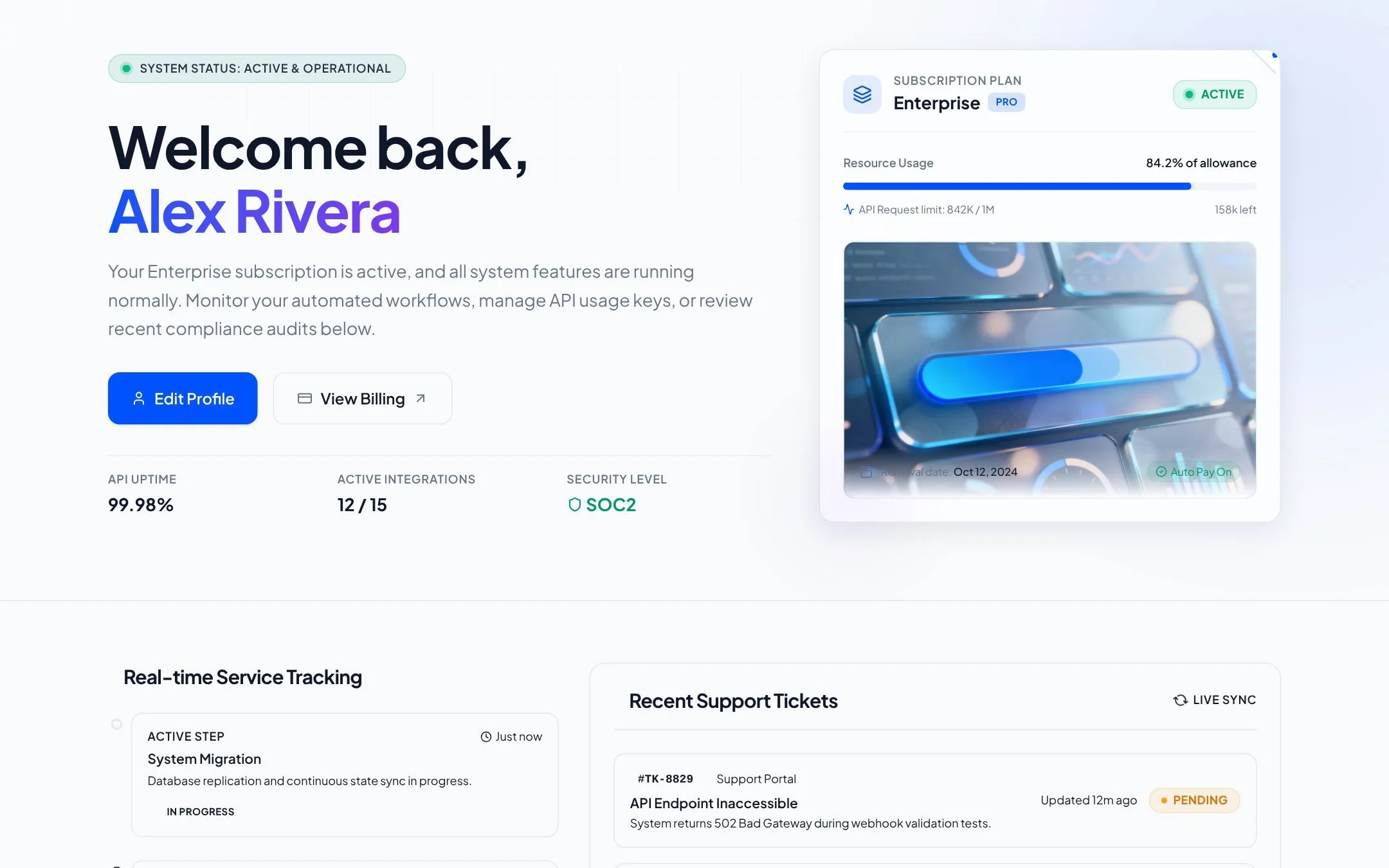
Connected customer and operator experiences backed by shared data and workflow rules.
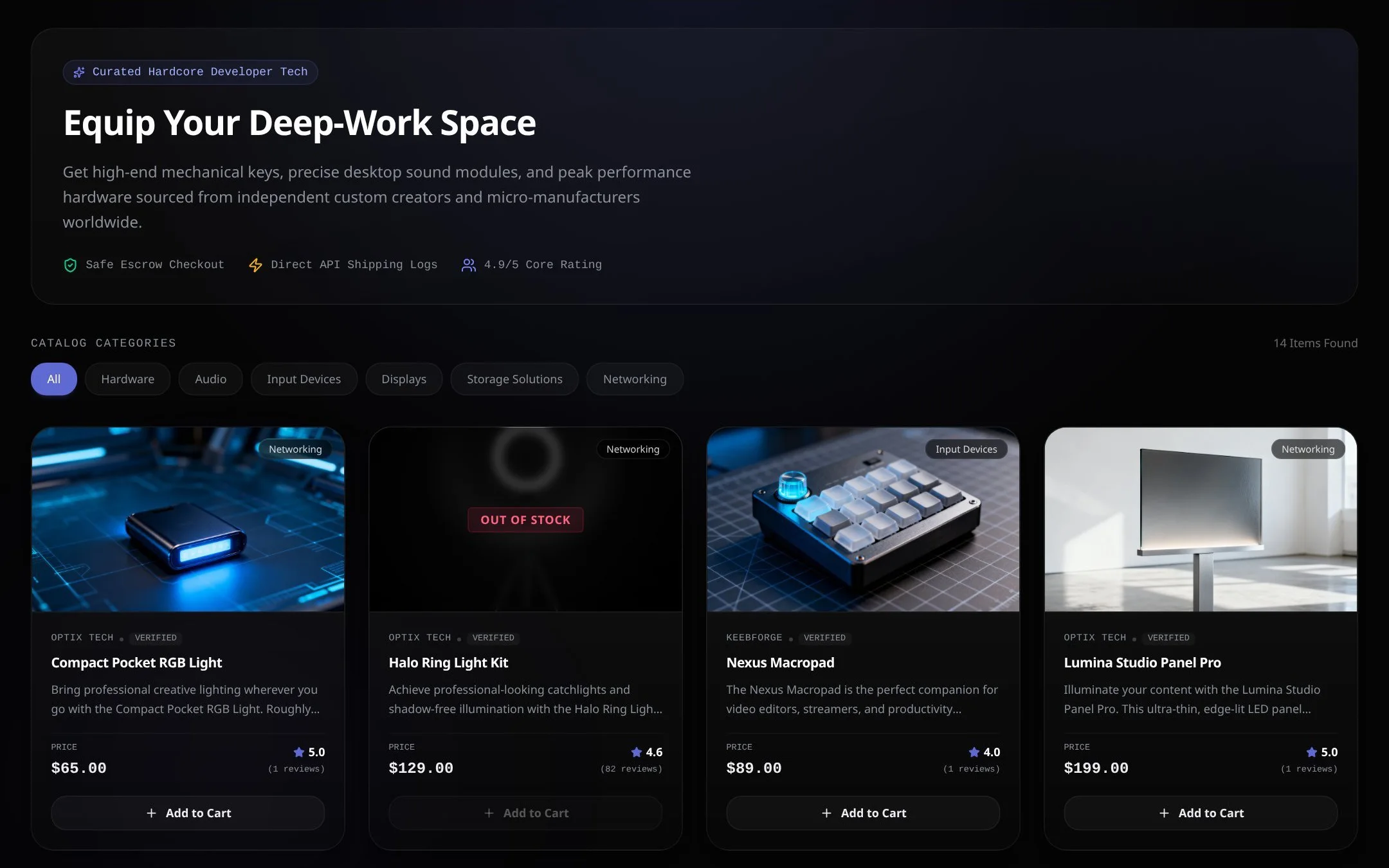
A marketplace application with vendors, customers, payments, reviews, and platform operations.
Requirements, generated screens, backend behavior, data, iteration, and publishing stay in one product-building flow.
Authentication, persistence, backend logic, preview, domains, and deployment do not need to be assembled as separate editor tasks.
Non-technical stakeholders can guide the application without first learning repository structure or configuring a local toolchain.
The same workspace produces a preview and publishable result, which is useful for MVPs and internal applications.
Prices and availability are time-sensitive. The values below were checked against official product documentation on August 5, 2026; taxes, usage limits, enterprise terms, and future changes are not included.
| Area | AutoCoder.cc | Cursor |
|---|---|---|
| Free access | $0 with 10 credits; source export is not included | Hobby is free with limited Agent requests and limited Tab completions |
| Individual paid plans | Standard: $25/month with 45 credits; Pro: $60/month with 180 credits | Pro: $20/month with extended Agent limits, frontier models, MCP, skills, hooks, and cloud agents |
| Team and enterprise | Published plans serve individuals and startup teams; contact AutoCoder for broader requirements | Teams Standard: $40/user/month; Enterprise uses custom terms |
| Programming-language support | No exhaustive public matrix; AutoCoder manages the generated full-stack project | No fixed generated stack; practical support depends on repository languages, language services, extensions, and tools |
| Native integrations | Hosted subdomain, custom domains, backend dashboard, Google sign-in, and ZIP source export | MCP, editor extensions, terminal, Git, cloud agents, Bugbot, hooks, skills, and curated service integrations |
| GitHub workflow | One-click GitHub sync is under development; paid users can export a ZIP | Direct repository and Git workflows, plus cloud agents and review tooling on eligible plans |
AutoCoder.cc automates the path from requirements to a managed, publishable application. Cursor automates coding work inside an editor, repository, terminal, and connected engineering toolchain.
| Workflow stage | AutoCoder.cc | Cursor |
|---|---|---|
| Requirement handling | Turns natural language into a structured Requirement List before generation | Builds context from repository files, rules, the prompt, and available tools |
| Implementation | Generates connected UI, backend logic, database behavior, authentication, and preview | Searches, reads, edits, and deletes files, then runs terminal commands for the task |
| Iteration | Supports chat changes, visual editing, and version history inside the project | Supports Agent, Inline Edit, Tab, diffs, rules, hooks, skills, and cloud-agent workflows |
| Verification | Functional review is still required; public docs do not promise universal automated test coverage | Can create and run tests, inspect errors, apply fixes, and use project tooling when configured |
| Delivery | Publishes from the platform and supports paid source export | Delivery uses the repository's build and deployment stack or a connected service |
Optimized for application completeness and a short path to preview and publishing. Review remains necessary for edge cases, security, tests, and requirements outside the managed platform.
Optimized for code-level changes within a repository. Quality depends on project context, rules, selected model, tests, tools, permissions, and the developer's review.
AutoCoder.cc trades some repository freedom for a more managed path to a complete app. Cursor offers broader codebase control but expects developers to own architecture, infrastructure, and delivery decisions.
This is an official-documentation capability check, not a vendor-sponsored score or an independently executed benchmark.
| Test question | AutoCoder.cc result | Cursor result | Evidence status |
|---|---|---|---|
| Generate a new full-stack app | Verified: frontend, backend, database, auth, preview, and publishing are documented | Verified with conditions: Agent can create and test project files, but stack and hosting remain project choices | Official capability check |
| Modify an existing repository | Limited: ZIP export exists, but native GitHub sync is still under development | Verified: repository search, multi-file editing, terminal tools, and Git-centered workflows | Official capability check |
| Run tests and debug code | Partial: iteration and version history are documented; universal test execution is not | Verified: quickstart and tool docs describe creating tests, running them, and fixing errors | Official capability check |
| Publish without external setup | Verified: hosted preview, publishing, subdomains, and custom domains | Conditional: deployment uses the project's stack or integrations rather than one universal host | Official capability check |
| Compare speed, cost, and output quality | Not independently tested | Not independently tested | Hands-on benchmark required |
Status: Not independently run. Before publishing measured performance claims, run both tools with the same prompt, acceptance criteria, starting state, plan, and review checklist.
Feature, pricing, and availability claims link to official vendor documentation. Readers should recheck time-sensitive details before purchasing.
End-to-end app generation, frontend, backend, database, authentication, deployment, and source export.
Requirement List, generation, chat iteration, visual editing, version history, and publishing.
Free, Standard, and Pro prices, credits, and source export availability.
Source export details and current GitHub synchronization status.
Current Hobby, Pro, Teams, and Enterprise plan details.
Repository search, file operations, terminal, MCP, guardrails, and error fixing.
Tab, Inline Edit, Agent, test creation, command execution, and project workflows.
MCP servers and external service integrations.
AutoCoder.cc centers the workflow on turning product requirements into a runnable, hosted full-stack application. Cursor centers the workflow on helping developers understand and modify code inside an AI-native editor.
Yes, when the desired outcome is a complete application with more of the stack and deployment managed for you. Cursor is the clearer choice when the work must happen directly in an existing repository or custom developer environment.
AutoCoder.cc is generally the more direct fit because it starts from product requirements and manages more infrastructure. Cursor is designed around an editor and is most effective when someone can review code, commands, tests, and repository changes.
Cursor is the stronger fit for repository-aware feature work, debugging, tests, refactoring, and Git workflows. AutoCoder.cc is primarily designed for generating and iterating applications in its managed build flow.
Yes. Cursor Agent can create files, run commands, add tests, and implement frontend and backend code. The developer still selects and manages the repository, stack, infrastructure, and deployment path.
AutoCoder.cc uses monthly build-credit plans. Cursor offers a free Hobby tier, a $20/month individual Pro plan, and team plans with per-user pricing; usage limits and included agent capacity differ by plan.
The capability snapshot was checked against official documentation on August 5, 2026. No controlled hands-on benchmark has been run, so no speed, cost, or output-quality winner is claimed.
Use the same brief from this comparison to generate the product structure, frontend, backend, database, and publishing workflow in AutoCoder.cc.