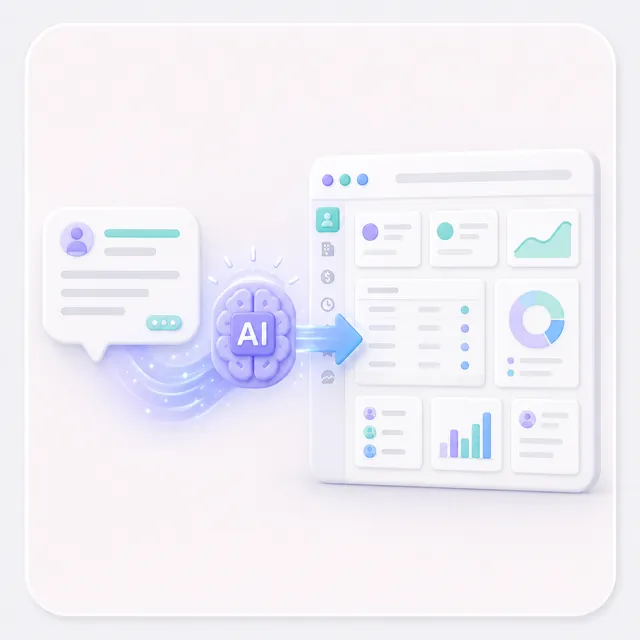
AutoCoder is the AI-native platform for no-code CRM builders. Describe your ideal CRM in plain English — contacts, pipelines, tasks — and get a production-ready full-stack app with database, auth, and API. In under an hour. No coding required.
🚀 Sales Pipeline CRM📇 Contact Manager📊 Lead Scoring Dashboard🏢 Real Estate CRM💼 Recruitment Tracker🎯 Customer Support Portal
7×
Faster than traditional dev
~1 hr
Prompt to live deploy
100%
Code ownership
Zero
Vendor lock-in
Built for CRM Builders
Everything No-Code CRM Builders Need
Professional-grade infrastructure meets AI-powered generation. Build custom CRM software without a single line of code.
AI-Native Builder
Describe your CRM in natural language. AutoCoder generates production-ready code — no templates, no drag-and-drop limits.
Relational Database
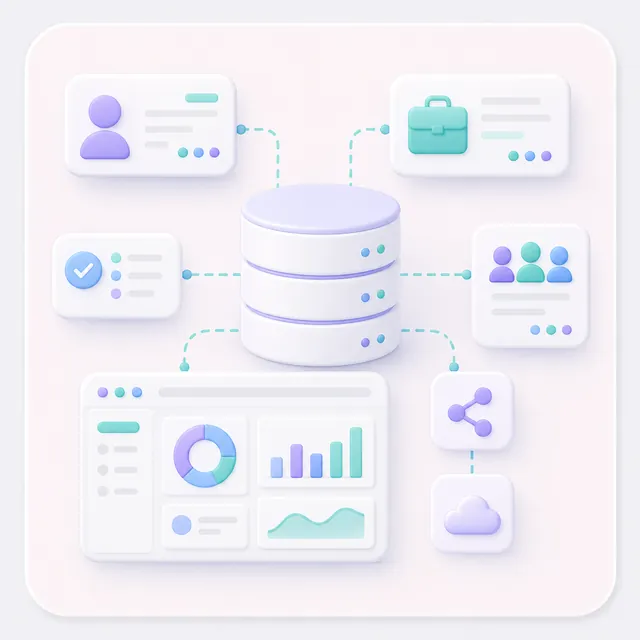
Database-backed apps with generated APIs and admin dashboards. Connect contacts, deals, tasks, and teams.
Auth & Access Control
JWT authentication with role-based access. Define admin, manager, user roles — just mention it in your prompt.
One-Click Deploy
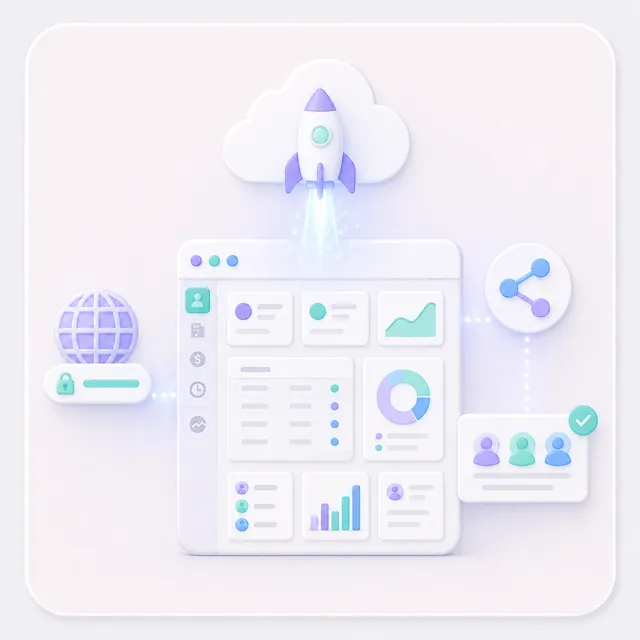
Publish to an AutoCoder subdomain in minutes, with custom domains available on paid plans. Share your live CRM with your team right away.
Full Code Export
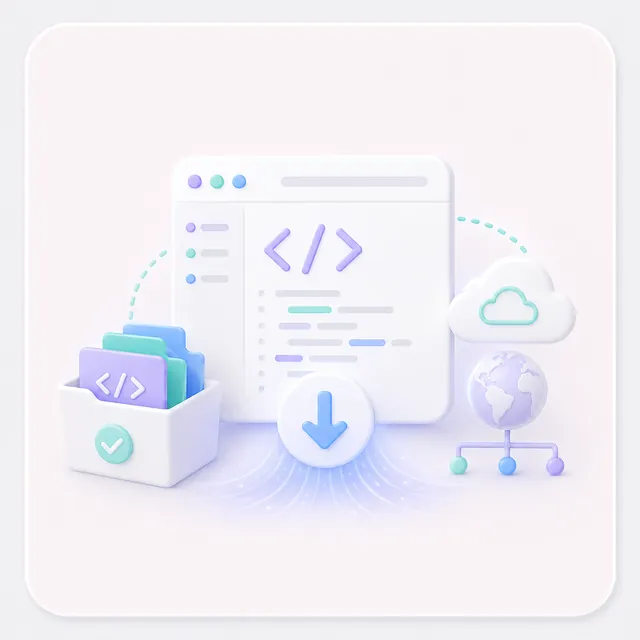
Own every line. Download the full source code on supported plans. Host anywhere. No lock-in. Period.
Real-Time Preview
See changes as you describe them. Iterate through chat feedback. No dev environment needed.
"I used to spend weeks building custom CRMs. Now I describe what they need in plain English, and AutoCoder generates the full stack — frontend, backend, database — in under an hour."
— Sarah Chen, Independent CRM Consultant
Old Way vs AutoCoder
From Weeks to Hours
Traditional CRM development means planning, backend, frontend, QA, deploy. AutoCoder collapses it all into one conversation.
Traditional Development
7–14 days
Plan → Design DB → Build Backend → Build Frontend → Integrate → Test → Deploy
✨ Faster
AutoCoder
~1 hour
Describe → Review → Generate → Refine → Deploy
How It Works
Build a CRM in 7 Steps
Here's how no-code CRM builders go from idea to production with AutoCoder.
01
Describe
Tell AutoCoder what you need in plain English
02
Review
See your project structure and data models
03
Frontend
Beautiful UI generated instantly from your description
04
Backend
Database, APIs, auth built automatically
05
Refine
Iterate through chat — no manual code edits
06
Manage
Configure data with built-in DB tools
07
Deploy
One click — your CRM is live and shareable
Try It Yourself
Describe Your CRM in Plain English
This is all it takes. Paste this into AutoCoder and watch your CRM build itself.
prompt
Build a customer relationship management app with:
• Contact management with notes and activity history
• Deal tracking pipeline: lead → qualified → proposal → closed
• Task assignment and follow-up reminders
• Team dashboard with pipeline value and conversion rates
• Role-based access: admin, manager, sales rep
• Customer notes with activity timeline
💡 Start broad, then refine. Each round of feedback gets you closer to the perfect CRM.
Who It's For
Built for Modern CRM Builders
Entrepreneurs
Launch CRM ideas without a dev team
Product Managers
Ship working prototypes in hours
Designers
Bring CRM UIs to life without code
Non-Tech Founders
Build your CRM vision solo
Dev Teams
Accelerate prototyping 10× faster
Your Journey
From Idea to Production in Days
Here's what building with AutoCoder looks like for no-code CRM builders.
Hour 1
Idea → MVP
Describe your CRM in natural language
Review auto-generated data models
Generate full-stack app with database
Deploy to live URL in one click
Day 2–3
Feature Expansion
Add CRM modules through chat
Refine UI and business logic
Set up role-based access control
Integrate email and notifications
Day 4–7
Production & Iterate
Share with team for real feedback
Download the exported source code
Add custom features if needed
Iterate based on user input
Own Your Code
No Vendor Lock-In
Unlike other no-code CRM builders, AutoCoder gives you full ownership of every line of code.
📦 Full Code Ownership
Every file AutoCoder generates is yours. Download the complete project on plans that include source code export.
🔓 Zero Lock-In Guarantee
Take your code anywhere — self-host, deploy to your own infrastructure, or keep building in your favorite editor. AutoCoder doesn't gatekeep your work. You built it, you own it.
Start Building Your Custom CRM Today
No credit card required. Join hundreds of no-code CRM builders shipping production apps in under an hour.
A no-code CRM builder lets you create custom CRM software without writing code. AutoCoder takes this further with AI: instead of dragging and dropping components, you simply describe your ideal CRM in natural language, and the AI generates the complete application — frontend, backend, and database — for you.
Most no-code CRM builders use visual drag-and-drop with pre-built templates. AutoCoder is AI-native — you describe what you need in plain English, and it generates custom code for your exact requirements. More flexibility, full code ownership, and truly custom workflows that template-based builders can't handle.
Any kind: sales pipeline trackers, contact management, lead scoring dashboards, customer support portals, project-based CRMs, real estate client managers, recruitment trackers. The relational database connects contacts to deals, deals to tasks, and tasks to teams.
Yes. On supported plans, you can download the full project — frontend, backend, and database — and host it anywhere. You own every line. Zero vendor lock-in.
Most no-code CRM builders get their first version deployed in under an hour. The AI generates about 70–80% correctly on the first pass. A production-ready CRM is typically ready within a day.
No. AutoCoder is designed for all skill levels. You interact entirely through natural language — describe what you want, review the output, and provide feedback. Some technical familiarity helps for advanced features, but it's never required.
Yes. AutoCoder generates built-in API endpoints for straightforward integration. Developers can extend the exported code locally after download.
A modern, production-ready stack with a powerful frontend, robust backend, and relational database. Built with industry best practices, fully customizable. A real professional foundation — not a locked-down platform.