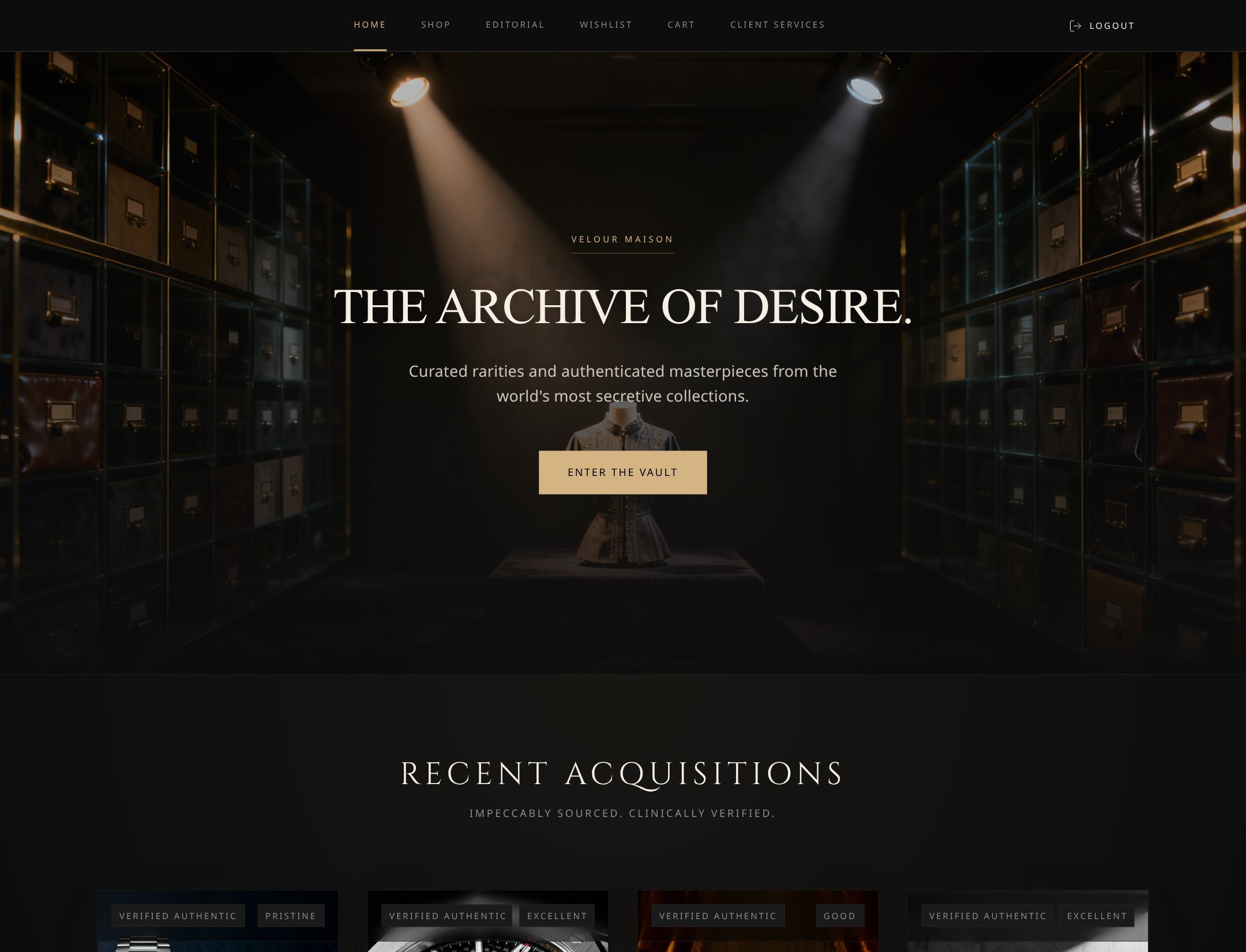
Luxury E-commerce Website
Velour Maison
A premium commerce experience combining polished brand presentation with shop, editorial, wishlist, cart, and customer-facing flows.
View templateAutoCoder.cc centers a focused path from requirements to a generated full-stack application. Webflow combines visual site building, CMS, hosting, SEO and AEO tools, AI generation, code components, and Webflow Cloud app infrastructure.
Build a premium content platform with an AI-generated marketing site, structured CMS, member accounts, admin workflows, analytics, and a deployed web application.
Choose AutoCoder.cc when you want an explicit requirement-to-application path with connected generation, managed publishing, and paid ZIP export. Choose Webflow when a visual website and CMS workflow, brand-controlled page building, SEO/AEO operations, and optional Webflow Cloud applications belong in one broader web platform.
A factual comparison of product scope, workflow, infrastructure, ownership, and fit. Conditional capabilities are labeled instead of presented as simple yes/no claims.
Swipe horizontally to view the full comparison.
| Area | AutoCoder.cc | Webflow |
|---|---|---|
| Core product | Autonomous AI coding agent and managed full-stack application platform. | AI-native visual web platform for sites, CMS, optimization, collaboration, hosting, code components, and Webflow Cloud applications. |
| Core approach | Turn a product brief into a Requirement List, generate the connected application, then refine and publish inside a focused workflow. | Design and manage sites visually, generate new sites or sections with AI, extend with components and CMS, and host web apps alongside the site through Webflow Cloud. |
| Best for | Greenfield SaaS, portals, CRMs, dashboards, marketplaces, and data-driven applications with a guided launch path. | Brand and marketing sites, content-rich CMS experiences, visual web production, SEO/AEO operations, and integrated site-plus-app programs. |
| Target users | Founders, PMs, operators, indie developers, and lean product teams. | Designers, marketers, agencies, content teams, developers, and larger web organizations. |
| Starting point | Natural-language product requirements or a remixable template. | Prompt for a new AI-generated site, visual canvas, template, existing Webflow project, Figma import, component, CMS model, or codebase. |
| AI workflow | Requirement List → full-stack generation → preview → conversational and visual iteration → publish or paid export. | AI site generation → canvas and component refinement → CMS/content automation → SEO/AEO optimization → site publishing and optional Cloud app deployment. |
| Frontend support | Responsive product interfaces generated in an opinionated modern web stack. | High-control visual layout, components, interactions including GSAP workflows, design systems, and AI-generated React code components. |
| Backend and database | Managed backend logic and data behavior are generated inside the AutoCoder project. | Webflow Cloud documents app hosting with D1 SQLite, KV, and R2 object storage; CMS APIs also support structured site content. Limits vary by Site plan. |
| Authentication | Can generate application sign-in, roles, and permissions for supported project patterns. | Implementation-dependent: Webflow Cloud apps can implement authentication in code; visual Site plans also offer site/page protection, which is not the same as a complete app-user auth system. |
| Integrations | Hosting, domains, backend dashboard, Google sign-in, and generated project-specific integration logic. | Marketplace apps, APIs, MCP server, DevLink, custom code, code components, Figma workflows, CMS APIs, analytics, localization, and optimization products. |
| Deployment | Built-in preview and publishing to AutoCoder-hosted URLs or custom domains. | Managed site hosting plus Webflow Cloud apps mounted to staging or custom domains, with plan-based requests, bandwidth, compute, and storage limits. |
| Source ownership / export | Paid Standard and Pro plans include a downloadable full-stack ZIP package. | Mixed model: static site code export and developer workflows depend on plan and feature; CMS, hosted services, and Webflow Cloud behavior are tied to platform configuration. |
| Pricing model | Free: $0 with 10 credits. Standard: $25/month with 45 credits. Pro: $60/month with 180 credits. | Starter is free. Basic Site: $15/month annually; Premium Site: $25/month annually. Team is $2,500/month under annual contract; Enterprise is custom. Workspace and add-on costs may apply. |
| Learning curve | Prompt-first and focused; complex requirements, permissions, edge cases, and QA still need product judgment. | Accessible for visual building, but advanced CMS, interactions, responsive design, governance, code components, Cloud apps, and multiple plan layers add depth. |
| Best-fit projects | SaaS MVPs, portals, business tools, dashboards, marketplaces, and application-first products. | Premium sites, campaign systems, content platforms, directories, brand experiences, SEO-led properties, and integrated site-plus-app programs. |
| Poor fit | Teams that mainly need visual website production, a mature CMS/editorial system, and granular canvas control. | Teams seeking a narrowly guided requirement-to-app workflow, simple pricing, or a portable full-stack deliverable without platform-specific hosting and service decisions. |
Selected to reflect the search intent of this comparison. Approved project URLs and Template-generated long screenshots must replace the clearly marked production placeholders before publishing.
A premium commerce experience combining polished brand presentation with shop, editorial, wishlist, cart, and customer-facing flows.
View template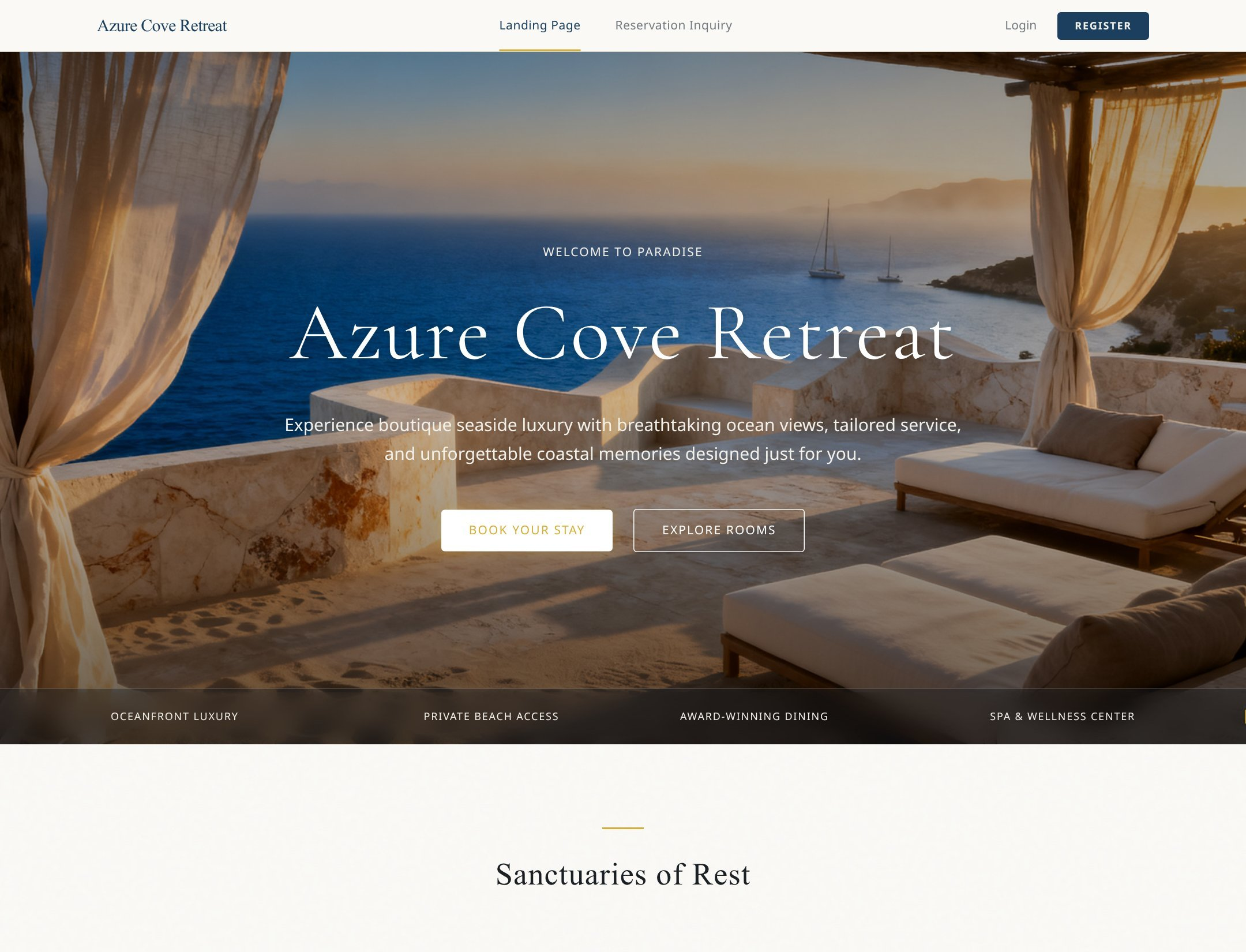
A destination-led marketing experience with responsive storytelling, reservation inquiry, and connected account flows.
View template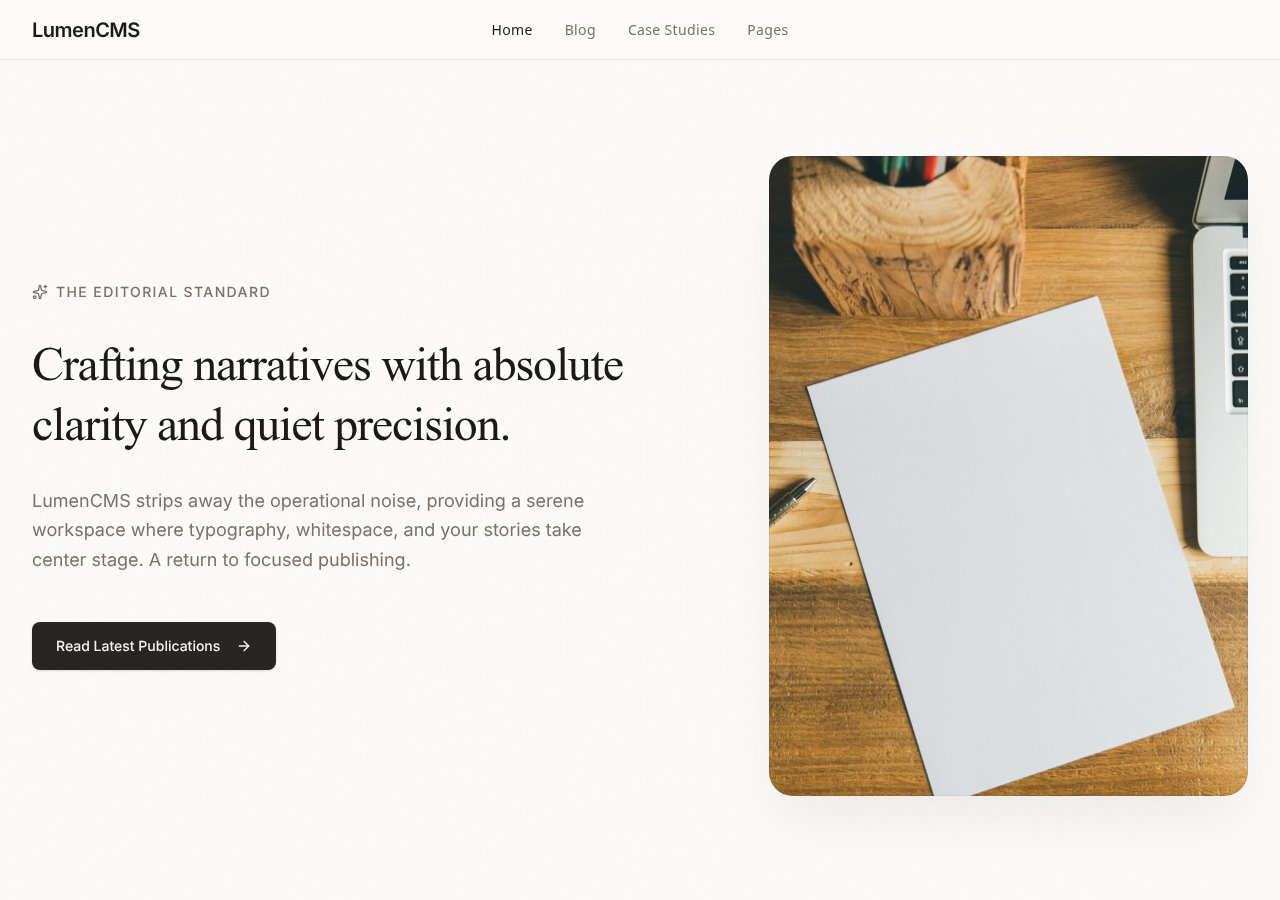
A content-led website demonstrating how a polished front end can extend into structured publishing and database-backed workflows.
View templateAutoCoder’s value is strongest when users, data, roles, and workflows belong in the original product brief—not in a later integration plan.
Frame users, data, roles, and workflows as application requirements before generation begins.
Keep generation, preview, iteration, publishing, and supported backend behavior in one focused flow.
Standard and Pro provide a downloadable full-stack ZIP artifact for developer handoff.
The best tool follows the platform, maintenance owner, and operational requirements—not the broadest marketing claim.
Published prices and availability are time-sensitive. Taxes, usage overages, enterprise terms, add-ons, external service fees, and future changes are not included.
AutoCoder uses generation-credit plans. Webflow separates Site, Workspace, Team, Enterprise, Cloud usage, and optional products, so compare the total operating model.
Webflow has the stronger native visual CMS and web production system. AutoCoder is narrower around generated product requirements and a connected application.
Webflow offers a broad ecosystem of apps, APIs, MCP, code components, hosting, and Cloud services. AutoCoder emphasizes a simpler managed path plus paid source export.
Pricing and plan details checked against official pages on August 24, 2026.
Compare the documented creation steps, review points, and delivery paths before choosing the workflow that fits your product and team.
These fit statements are based on documented product scope. Output quality still depends on the prompt, project complexity, integrations, review, and testing.
Official documentation establishes product positioning and published capabilities. Conditional implementation details and untested comparative outcomes are labeled separately.
Core positioning, published pricing, workflow, deployment, and source/export statements checked against first-party pages.
May require a specific plan, external service, integration, developer setup, or project configuration.
No controlled benchmark was run for generation speed, total cost, maintainability, reliability, or output quality.
Direct product, documentation, pricing, help-center, repository, and release pages used for this comparison.
Concise answers for users comparing product scope, ownership, workflow, and platform fit.
AutoCoder.cc centers an explicit requirement-to-generated-application workflow. Webflow is a broader visual web platform spanning sites, CMS, SEO/AEO, hosting, code components, and Webflow Cloud apps.
Yes. Webflow Cloud supports web app hosting and documents D1 SQLite, KV, and R2 storage, alongside requests, compute, bandwidth, staging, and custom-domain deployment.
Webflow usually has the clearer fit when visual page production, native CMS operations, SEO/AEO, and content-team ownership are primary requirements.
AutoCoder.cc is designed around a narrower path from product requirements to a generated connected application, managed publishing, and paid ZIP export.
AutoCoder uses fixed plans with generation credits. Webflow combines Site and platform plans with Workspace, Cloud usage, seats, and optional products, so the full project cost depends on architecture and team needs.
No. Features and prices were checked against official documentation on August 24, 2026, but no controlled speed, cost, or output-quality benchmark was run.
Describe the users, data, roles, and workflows. Generate, review, refine, and publish with AutoCoder.cc.
Try AutoCoder Free