サイトを説明
事業、対象、ページ、必要な機能を共有します。一文から始められます。
AUTOCODER AIウェブビルダー
無料クレジット6点。最初の小規模プロジェクトに十分です。
AutoCoderで作られたサイトを見るプロンプトから公開まで
白紙の画面やプラグイン、分断された引き継ぎのない明確な4段階です。
事業、対象ユーザー、ページ、機能を説明すると、AutoCoderが明確な計画にまとめます。
オースティンのピラティスと筋力トレーニングを提供するフィットネススタジオ向けに、時間割、講師紹介、会員プラン、レビュー、お問い合わせフォームを備えたサイトを作成してください。
新しい構築方法
白紙の画面やプラグインではなく、ビジネス目標から始めます。
'%3e%3cpath%20d='M84.7891%2025.7878C84.7891%2026.229%2084.7936%2026.6692%2084.8024%2027.1083L37.9119%20127.676C37.5706%20127.884%2037.1729%20128%2036.757%20128H2.22093C0.994346%20128%200%20127.006%200%20125.779C0%20125.455%200.0710243%20125.134%200.208082%20124.84L45.7758%2027.1194C46.0299%2026.5746%2046.4878%2026.1666%2047.0341%2025.9692L47.0333%2025.7878H84.7891ZM84.4181%2038.0776C89.9498%2066.7081%20114.442%2088.5812%20144.309%2090.1094L145.137%2090.1282L145.378%2090.1149C146.635%2090.1149%20147.654%2091.1341%20147.654%2092.3913V125.633C147.654%20126.786%20146.798%20127.738%20145.686%20127.889L145.564%20127.902C145.496%20127.919%20145.431%20127.927%20145.371%20127.926C111.266%20127.178%2081.2812%20109.718%2063.2799%2083.4096L84.4181%2038.0776ZM141.822%200C142.092%203.18164%20142.235%206.33379%20142.646%209.4503C142.752%2010.2553%20142.848%2011.1176%20142.935%2012.0278C143.717%2015.7558%20145.194%2019.2612%20148.192%2022.2615C153.244%2027.3174%20159.737%2028.0432%20166.335%2028.4381L167.116%2028.4836L169.463%2028.6162L170.503%2028.6808V31.1289L167.452%2031.3275C166.438%2031.3937%20165.427%2031.4607%20164.417%2031.5316C151.703%2032.4221%20145.091%2037.4564%20142.865%2048.3659L142.805%2048.9849C142.764%2049.3882%20142.721%2049.7725%20142.678%2050.1364L142.645%2050.4055C142.306%2053.1249%20142.14%2055.8666%20141.907%2058.78L141.874%2059.5648C141.869%2059.6973%20141.863%2059.8307%20141.857%2059.9652H139.48C139.128%2056.6087%20138.91%2053.264%20138.436%2049.9629L138.312%2049.1385C138.254%2048.7726%20138.2%2048.3742%20138.151%2047.946C135.951%2037.9407%20130.314%2033.1585%20119.492%2031.8439C116.671%2031.5011%20113.825%2031.3785%20110.753%2031.136L110.568%2028.6789C111.498%2028.6228%20112.252%2028.6033%20113.002%2028.5273C116.149%2028.2092%20119.336%2028.088%20122.435%2027.5046C131.471%2025.8049%20136.627%2020.5879%20138.264%2011.4443C138.432%2010.5089%20138.571%209.56841%20138.691%208.62208L138.755%207.93127C139.002%205.34155%20139.153%202.74281%20139.36%200H141.822Z'%20fill='%2311E097'/%3e%3c/g%3e%3cdefs%3e%3cclipPath%20id='clip0_325_319'%3e%3crect%20width='171'%20height='128'%20fill='white'/%3e%3c/clipPath%3e%3c/defs%3e%3c/svg%3e) AutoCoder
AutoCoder5つの簡単なステップ
計画、デザイン、機能、公開を一つの流れで進めます。
事業、対象、ページ、必要な機能を共有します。一文から始められます。
詳細を調整する前にページ、ナビゲーション、内容を確認します。
文章、スタイル、セクション、構造を明確な指示で更新します。
フォーム、予約、会員、データなどの機能を追加します。
レスポンシブ表示を確認し、ドメインを接続して公開します。
予約、フォーム、コンテンツ、独自機能をいつでも追加できます。
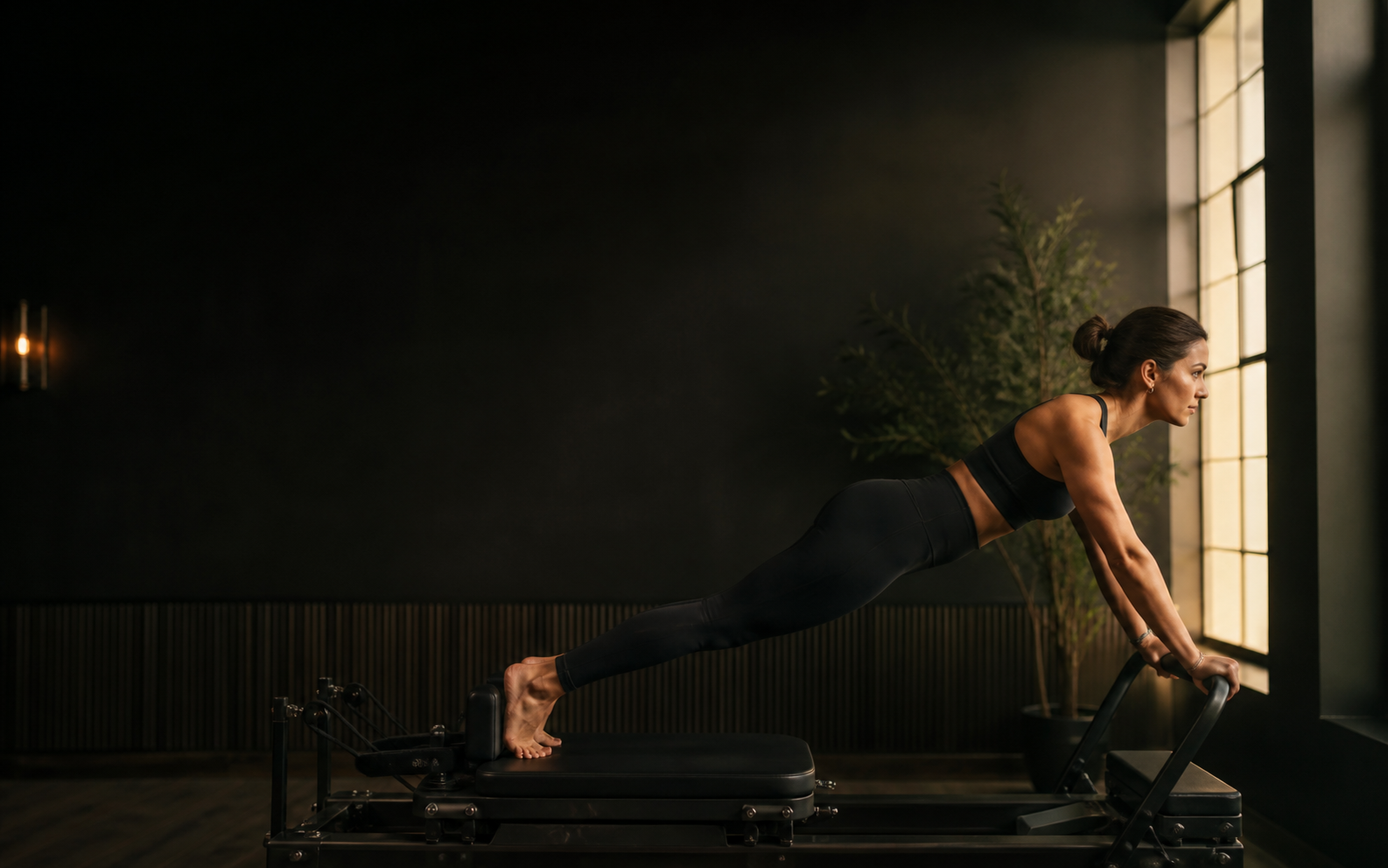 より強い身体。
AUTOCODERで作成
コミュニティのサイトやアプリを見つけ、プロンプトで自由にアレンジできます。
AIウェブビルダーの料金
次のプロジェクトに合うプランを選択してください。
Starterは新規ユーザーが最初の1か月利用できます。年払いプランは2か月分無料です。
一文で説明してください。あとはお任せください。